Comebacks for “You’re Muted” During a Zoom Call – 50+ Witty & Professional Replies
🎤 The single best response when someone says “you’re muted” on a Zoom call: “I know – I was practicing my impression of a mime. Very committed to the bit.” (Said with a deadpan face and a sly grin – you just turned an embarrassing moment into a stand‑up routine.)
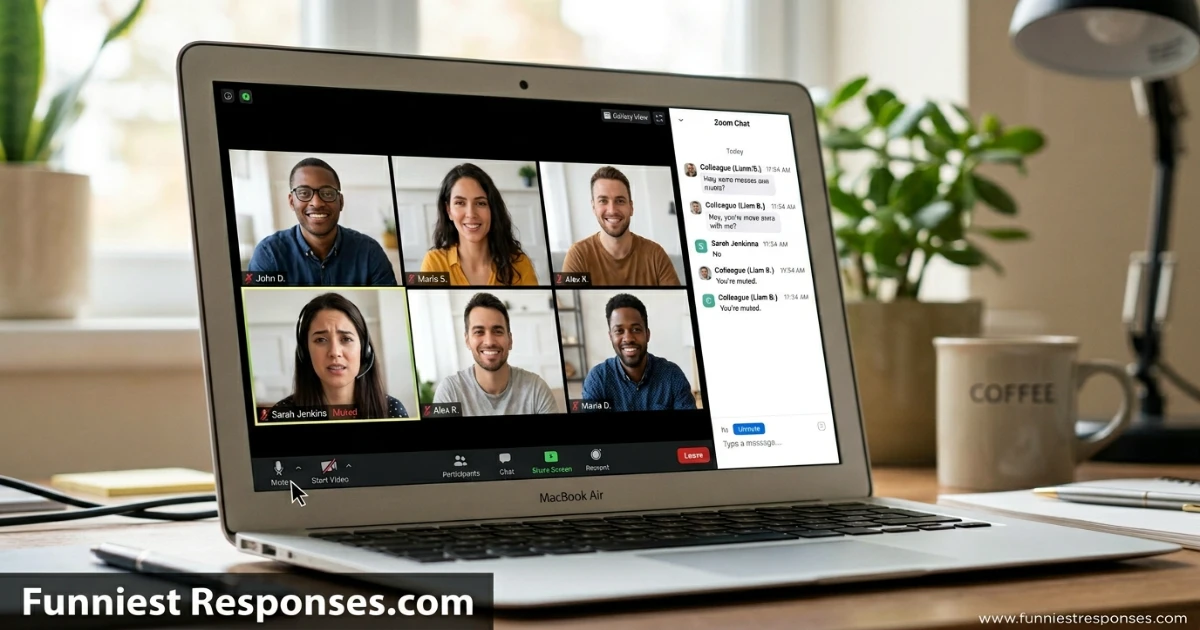
You’re on a Zoom call. You make a brilliant point. You wait for the applause. Then a coworker types in the chat or interrupts: “You’re muted.” Your soul leaves your body. You scramble for the unmute button while the whole meeting watches. It’s the modern equivalent of forgetting your lines on stage – but way more common.
Everyone has been there. The good news is that a witty comeback for “you’re muted” can turn your embarrassment into a team laugh. This guide delivers 50+ clever, professional, and downright funny replies – for internal meetings, client calls, and even Zoom dates. Plus delivery tips, when to use them, and the psychology of why we love to call out the mute button. Next time you’re muted, you’ll be ready to speechify with style.
Why “You’re Muted” Stings (And How a Comeback Saves Face)
It’s not the mute itself – it’s the public call‑out. Suddenly everyone is looking at you. A humorous response shows you’re not flustered, builds rapport, and often makes the rest of the meeting more relaxed. Plus, it signals that you can laugh at yourself – a highly valued workplace trait.
50+ Responses (Organized by Vibe & Audience)
From self‑deprecating to confident – choose your energy.
😂 Self‑Deprecating & Relatable (For when you want to laugh at yourself)
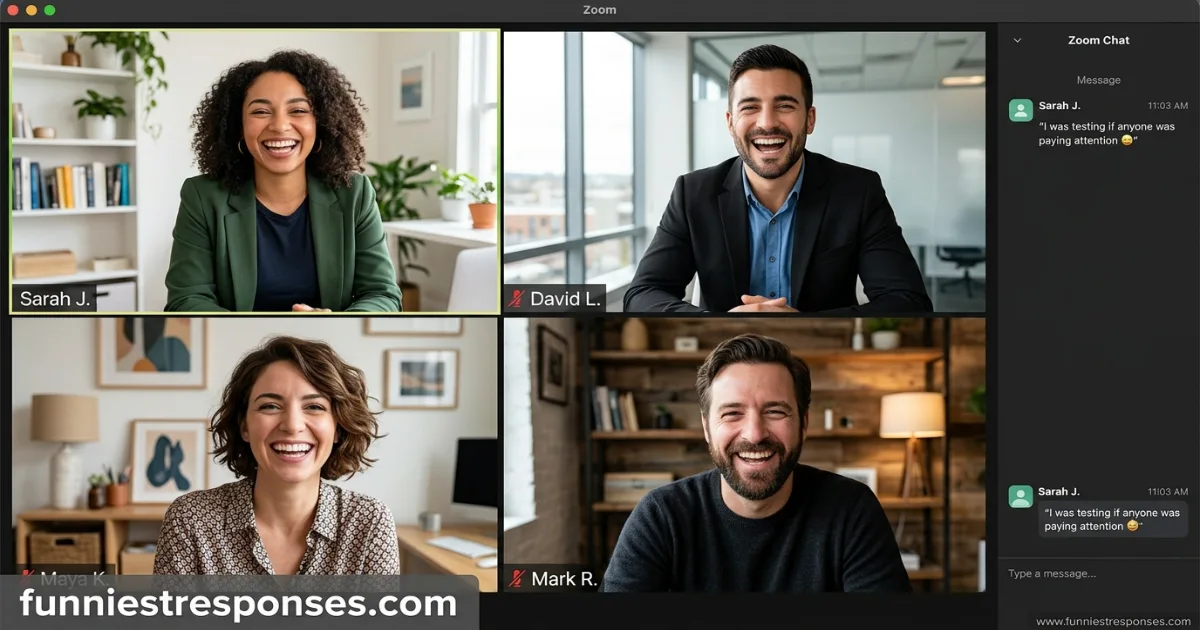
- “I was testing if anyone was paying attention. You passed.”
- “I know – I was just rehearsing in my head. My internal TED Talk is very compelling.”
- “Sorry, my mute button has separation anxiety. It keeps latching on.”
- “I’m not muted – I’m just thinking so loudly that you can’t hear me.”
- “My cat stepped on my keyboard. Technical difficulties.”
😏 Playfully Professional (For work settings with friendly colleagues)
- “Thanks for the reminder – I was just giving everyone a break from my voice.”
- “Sorry, I was on a ‘tactical pause’. Unmuting now.”
- “I was protecting you from my background noise. You’re welcome.”
- “Good catch – I’ll add ‘remember to unmute’ to my performance improvement plan.”
- “I’m saving my voice for the important part. Which is now.”
😎 Cool & Unbothered (For looking confident despite the slip)
- “I know. I was just appreciating the silence.”
- “Thanks. I was about to unmute myself, but you beat me to it.”
- “I’m aware. I was building suspense.”
- “Noted. Unmuting now – let’s continue.”
- “Yes – I like to make an entrance.”
🤓 Clever & Strategic (For turning the focus back on the meeting)
- “Thanks – my mute button is too effective today.”
- “I was waiting for the right moment. This is it.”
- “I’ll unmute, but I warn you – my coffee just kicked in.”
- “Sorry, I was trying to find the ‘unmute’ button in the new update. Found it.”
- “Let me just unmute and pretend that didn’t happen. Deal?”
💬 Great for Chat Replies (When you can’t speak back)
- “👀”
- “Unmuted now, thanks.”
- “Oops – my bad.”
- “That was a dramatic pause.”
- “Appreciate the heads‑up.”
Which Comeback Fits Your Zoom Culture?
| Meeting type / audience | Best category | Example line |
|---|---|---|
| Self‑deprecating | “My cat stepped on my keyboard. Technical difficulties.” | |
| Playfully Professional | “Thanks – I was just giving everyone a break from my voice.” | 曰Client or external call | Cool & Unbothered | “Noted. Unmuting now – let’s continue.” |
| Chat reply | “Unmuted now, apologies.” |
How to Deliver Your Comeback (Tone, Timing & Unmute Button Speed)
🎤 Your delivery is 80% of the save. Follow these 5 steps:
- First, unmute yourself immediately – don’t keep them waiting.
- Smile or chuckle before you speak – signals you’re not offended.
- Say your line in a calm, lighthearted voice – never defensive or rushed.
- If you’re in a serious meeting, keep the line short and pivot back to business.
- After your comeback, continue with the point you were trying to make – don’t dwell on the mute.
Pro tip: If you’re the meeting host, pre‑empt the awkwardness with “By the way, I’ll forget to unmute at least once. Feel free to remind me.”
Texting vs. In‑Person (Or on Zoom with Chat)
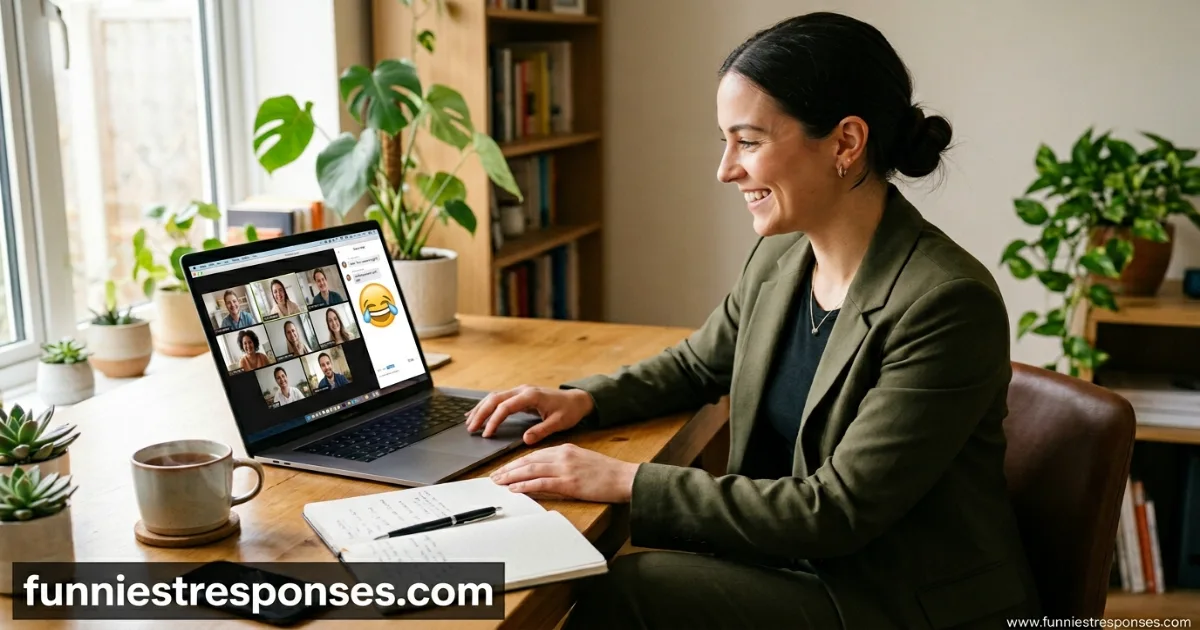
On Zoom, you have two options: reply verbally or type in the chat. Typing “Oops, unmuted now” is a safe, professional choice. For a bit of personality, add an emoji. If you’re on a video call where you’re not the speaker, a quick chat apology is often less disruptive than interrupting the flow.
What NOT to Say (Mistakes That Worsen the Awkwardness)
Avoid these – they make you look rattled or rude:
- ❌ “I know, I’m muted.” (in a defensive tone) – Sounds annoyed at the reminder.
- ❌ “Why does everyone always point that out?” – Keeps the focus on your embarrassment.
- ❌ A long explanation about your computer settings. – No one needs that backstory.
- ❌ “Your muted?” – Never correct their grammar mid‑meeting.
- ❌ Staying silent and pretending you didn’t see the message. – Then everyone wonders if you’re still there.
The golden rule: acknowledge quickly, laugh lightly, and move on.
Real‑World Scenarios (From Zoom Call Veterans)
Scenario 1 (weekly stand‑up): You start talking. No sound. Someone types “you’re muted.” You: “Thanks – I was just testing if you’re all paying attention. You passed.” Laughter ensues, you unmute, and give your update.
Scenario 2 (client presentation): You’re muted for 10 seconds before a client says “I think you’re muted.” You: “Apologies, unmuting now. As I was saying…” – no joke, just professionalism. Save the wit for internal calls.
Scenario 3 (team building Zoom happy hour): You answer a question while muted. Someone calls it out. You: “I know – I was giving you a chance to win the question. But since nobody took it…” Unmute, deliver answer. Vibe saved.
When NOT to Use a Funny Comeback (Important)
Skip the jokes if:
- The meeting is with a very senior leader who expects formality – just say “Sorry, unmuting now.”
- You’re in a serious client negotiation – a quick “Apologies, please continue” is best.
- You’ve already made a joke earlier in the call – let someone else have the spotlight.
- The person who reminded you is clearly annoyed – then a simple “Thanks, I’ll unmute” is enough.
When in doubt, a short “Thanks – unmuted now” is always professional and kind.
Related Reading on FunniestResponses
FAQs: Everything You’ve Wondered About Mute Call‑Outs
What’s the best reply if I’m the meeting host?
“I’ll model good behaviour by unmuting now. Everyone else, please feel free to remind me – I’ll do the same for you.” Light and sets a norm.
Can I use these on a one‑on‑one call?
Yes – “Sorry, I was thinking out loud in my head. Unmuting now.” Works perfectly.
What if they say it in a frustrated tone?
Don’t joke back. Say “Thanks for the heads‑up – unmuting now. My apologies.” Then move on.
Is it okay to blame my cat every time?
Once or twice, yes. Every time? They’ll start asking about your cat’s keyboard privileges.
How do I reply if I’m muted but also have video off?
“Apologies, I’ll jump in via chat. Unmuting now.” Or just type “Unmuted – go ahead.”
What’s a good reply when someone else is muted and you want to help?
“Hey [name], you’re muted.” Then leave a smile in the chat. No comeback needed – you’re being helpful.
Can I just ignore the mute reminder?
No – that looks passive‑aggressive. Acknowledge it, unmute, and speak.
📌 Your Cheat Sheet – Top 3 Comebacks for “You’re Muted” on Zoom
- 🏆 Best all‑rounder (playful & warm): “I was testing if anyone was paying attention. You passed.”
- 😏 Best for work settings: “Thanks for the reminder – I was just giving everyone a break from my voice.”
- 😂 Best for casual calls: “My cat stepped on my keyboard. Technical difficulties.”
Practice your quick unmute and ready smile. Then go be the person who can laugh at a mute – and still lead the meeting.